Insta Story Viewer by Grabfy: Anonymous Way to View and Save Instagram Stories
Want to watch Instagram Stories without using your personal account? An Insta Story Viewer gives you a browser-based way to view publicly available Stories without signing in to Instagram or appearing as a viewer through your own profile.
An Instagram downloader can also help users save supported public Instagram content directly through a web browser without requiring a separate app or browser extension.
Quick Overview: What an Insta Story Viewer Does
An Insta Story Viewer is an online tool for viewing Stories from public Instagram profiles without logging in with your own Instagram account. Depending on the content available, you may also be able to browse or save other public media.
With Grabfy, you can view public Stories without signing in, browse through a web browser, save supported Stories for offline reference, and access other supported media such as Reels, photos, videos, and carousel posts. The tool can be used from a desktop computer, tablet, iPhone, or Android device.
The process: enter the public username or profile information requested by the viewer, load the available content, and choose the Story you want to see.
The key limitation is important: anonymous Instagram Story viewers are intended for publicly accessible content. They cannot legitimately unlock private profiles, Close Friends Stories, direct messages, or other restricted material.
What Is an Insta Story Viewer and How Does It Work?
An Insta Story Viewer is a third-party web tool that retrieves publicly available Instagram Story content without requiring you to watch it through your own logged-in Instagram account.
Normally, when you open a Story while signed in, your account may be recorded as a viewer. An anonymous Instagram story viewer changes that interaction because you are not opening supported public Story content through your personal Instagram session. Instead, the content is presented through a browser-based third-party service.
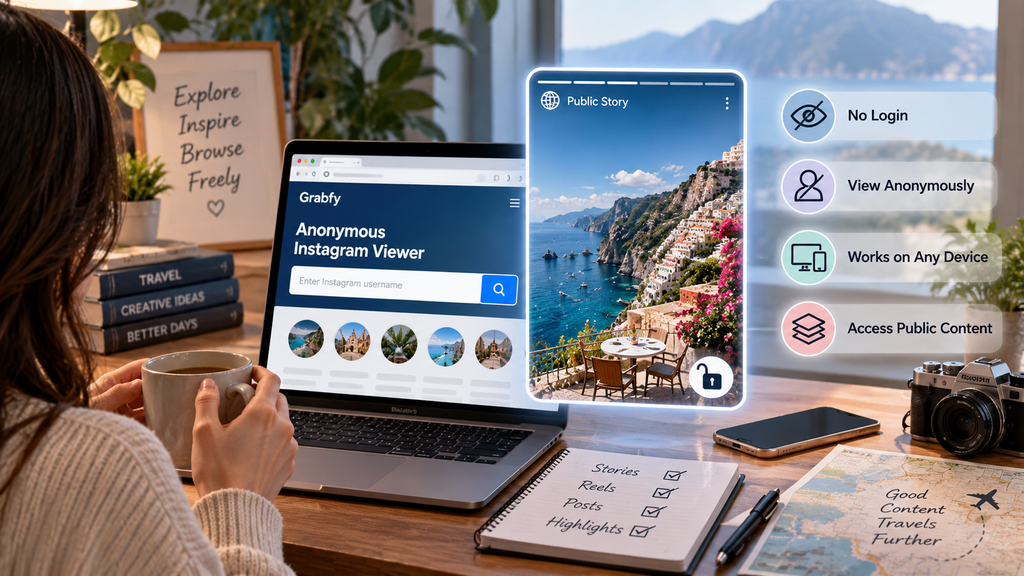
However, “anonymous” should not be confused with private-account access. If an Instagram profile is private, its restricted Stories and posts should remain unavailable to an unauthenticated third-party viewer. The same applies to Close Friends Stories and other content intended for selected audiences.
Instagram Stories generally remain available for 24 hours unless the creator preserves them in Highlights or republishes the content. That temporary nature is one reason Story viewers and saving tools can be useful.
Key Features to Look for in an Anonymous Instagram Story Viewer
A useful Story viewer should make public content straightforward to access without demanding unnecessary personal information.
A viewer intended for public content should not require your Instagram password or two-factor authentication code. Browser-based access is useful because it avoids unfamiliar apps, APK files, desktop software, or browser extensions.
Be cautious about websites promising guaranteed access to private profiles, Close Friends content, private messages, or hidden account information. Those are not standard features of legitimate public-content viewing tools.
How to View Instagram Stories Anonymously with Grabfy
Using Grabfy does not require technical knowledge. Start with the username of the Instagram account whose Story you want to check. Make sure the profile is public, since private content cannot legitimately be accessed through a public Story viewer without permission.
Next, open the viewer in your browser and enter the requested Instagram username or profile information. If supported public Story content is available, it can be displayed through the viewer instead of being opened through your personal logged-in Instagram account.
If supported media is available for download, you can save the file to your device for later reference. Downloading content does not transfer ownership or usage rights.
Can You View Instagram Stories Without an Account?
An anonymous Story viewer can make it possible to access supported Stories from public profiles without signing in to a personal Instagram account.
That does not mean every Instagram Story is publicly accessible. Private profiles remain restricted to approved followers, while Close Friends Stories are intended for selected audiences.
A service promising to unlock any private Instagram profile or reveal restricted Stories should therefore be treated with caution.
How to Save Instagram Stories for Offline Viewing
Stories disappear from public view after their normal availability period unless the creator preserves them through Highlights or another post. Saving a Story can be useful when you have a legitimate reason to revisit public content later.
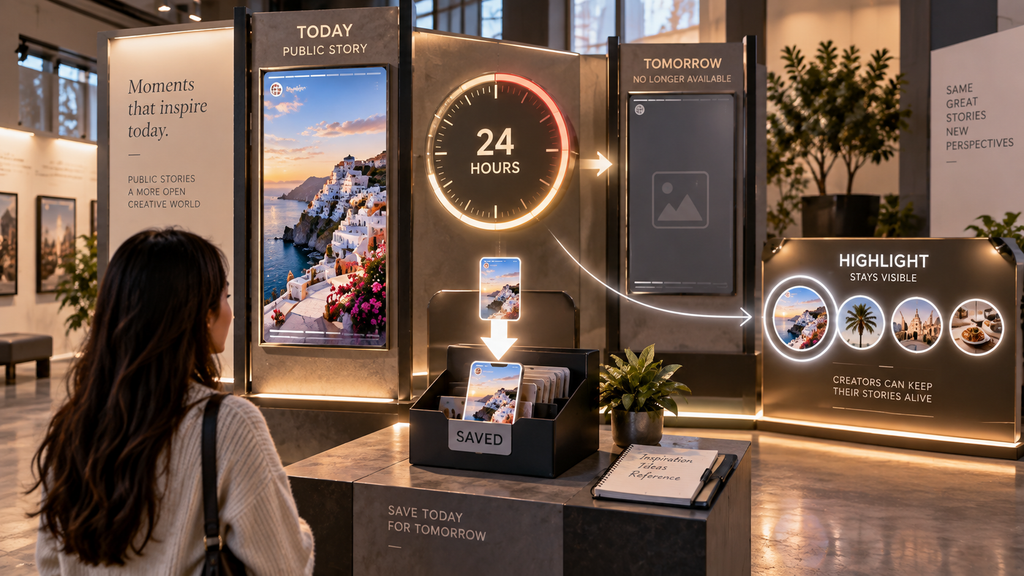
The process generally involves loading the public Story, selecting the relevant photo or video, and choosing the available download option. An Instagram story saver can provide a browser-based way to save available public Story media for later reference.
Downloading should not be treated as permission to republish, modify, or commercially exploit someone else’s work. Obtain appropriate permission when needed.
Viewing Stories, Highlights, Reels, Photos, and Carousels
Instagram profiles contain several media formats. Stories are temporary photo or video posts, while Highlights let creators keep selected Stories visible beyond the normal Story lifespan.
Reels are short-form videos that may remain on a public profile until removed or restricted. Regular feed posts may contain individual photos or videos, while carousel posts combine several media items within one post.
Availability varies by account, media type, and platform changes. If content is deleted, made private, or otherwise unavailable publicly, a third-party viewer should not be treated as a way to circumvent that change.
Who Can Benefit From an IG Story Viewer?
Content creators may research public Stories to understand visual styles, editing approaches, and trends. Social media managers can review public campaigns, promotions, and competitor activity while Stories are still available.
Whatever the reason, anonymous viewing should remain limited to information the account owner has made publicly accessible.
Privacy, Safety, and Limitations
A legitimate anonymous viewer should respect Instagram’s privacy settings. It should not be expected to reveal hidden Story viewer lists, private messages, passwords, or other non-public account information.
Avoid giving an unfamiliar viewer your Instagram password, authentication code, or recovery information. Be especially cautious if a website asks you to install an unknown extension or app, download an APK or executable file, complete unrelated surveys, or pay to supposedly unlock a private Instagram profile.
Responsible Ways to Use an Insta Story Viewer
Public visibility does not remove the creator’s rights. If you save someone else’s Story, avoid reposting it as your own work and obtain permission when appropriate, particularly for commercial reuse.
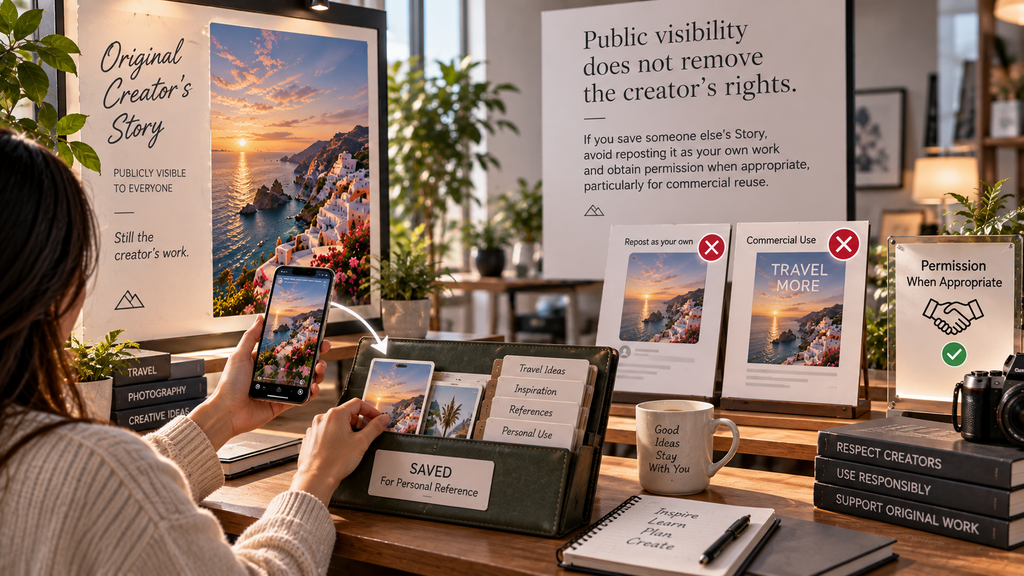
Do not use downloaded media for harassment, impersonation, doxxing, deceptive edits, or other harmful purposes. Anonymous viewing should be treated as a privacy and convenience feature rather than a way to evade reasonable boundaries.
Insta Story Viewer FAQ
Do I need an Instagram account?
A browser-based viewer designed for publicly accessible Stories can be used without signing in to your personal Instagram account.
Can I view Stories from a private Instagram account?
No. Private Instagram content is restricted to approved audiences. Legitimate public-content viewers should not bypass those privacy settings.
Can I download Instagram Stories?
Public Story media may be downloadable. Saving content does not give you ownership or automatic permission to republish it.
Is it safe to enter my Instagram password into a Story viewer?
Avoid giving your Instagram credentials to unfamiliar third-party Story-viewing websites. A tool intended only to retrieve publicly accessible content should not need your password or two-factor authentication code.
Final Thoughts on Using an Insta Story Viewer
An Insta Story Viewer offers a convenient way to browse publicly available Instagram Stories without using your personal Instagram account for the viewing session. It can be useful for casual browsing, content research, social media work, or saving permitted public media before a Story disappears.
Stick to public content, respect private-account restrictions, protect your login credentials, and respect creators’ rights when saving or reusing their work.
Used responsibly, an Insta Story Viewer provides a browser-based way to access supported public Stories while keeping your personal Instagram account separate from the viewing process.