How To Set Up Your Forex Platform To Minimize Trading Lag?
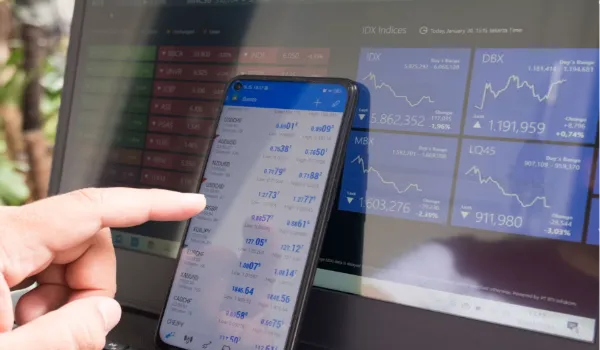
You see a price you like, click buy, and the trade opens at a different price a moment later. That gap costs you money on every order, and it hurts most when you trade fast or during big news. Many traders blame the market or the broker, but a slow setup on their own side often causes a large part of the delay.
The good news is that you control many of these delays, and you can fix them without costly tools. A few smart choices about your platform, connection, and settings can help your orders reach the broker sooner. These steps work whether you trade by hand or use automated robots. Each step is simple, and you can test it right away.
This article shows you how to set up your forex platform to minimize trading lag.
1. Choose the Right Trading Platform and Server Location
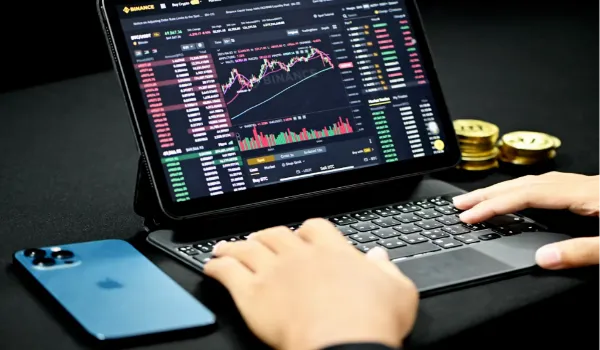
The platform you choose can be a starting point for trading lag. MT4 and MT5 are two known choices, both of which are designed to send orders promptly. MT4 is lighter and is better suited for old computers, while MT5 is better for handling more data. To learn how each one opens and fills orders, read the guidelines offered by help center before you start.
After you have determined your platform, examine the location of your trading server. Data goes through cables, and that’s why, when data is stored on a server far from you, time is added to each click. When your broker allows you to select, go with the server that is near your city.
Next, review the account type, as this affects the way orders are filled. Accounts with market execution fill at the current price, which avoids repeated price requests. Most Brokers provide this information on the account page, so make sure you read it before you deposit.
2. Optimize Your Internet Connection to Reduce Trading Lag
Internet stability matters more than raw speed, because your orders need a steady path to the broker. A wired Ethernet cable is usually steadier than Wi-Fi. If you must use Wi-Fi, sit close to the router and choose the 5 GHz band.
Even a strong cable can struggle on a crowded network, so think about who shares your line. Public Wi-Fi in cafes and airports often drops without warning. A private home or office network is a safer place to trade.
On your own network, extra traffic can cause delays too. Pause large downloads, video streams, and cloud backups while you trade, since they compete with your platform for the same connection. Restarting your router once a week also keeps it running well.
3. Adjust MT4 or MT5 Settings to Reduce Platform Lag

Terminals slow down when they carry too much work. Every open chart, indicator, and Expert Advisor consumes computer power, and the terminal updates all of them every time a price changes. Close any unused charts, as they will cause the terminal to work harder.
With a cleaner screen, review your tools. Remove indicators and Expert Advisors you no longer need, and show only the pairs you trade in the Market Watch window. Extra symbols keep sending data to your screen even when you never look at them.
Then move to the terminal settings. Lower the maximum bars in history and in charts, and turn off news feeds that you never read. Finally, keep the terminal updated, because new versions often fix speed problems and other bugs.
4. Set Up a VPS For Low-Latency Forex Trading
A VPS is a computer you rent that runs all day in a data center, and you control it from home. It suits automated trading, because your Expert Advisors keep working even when your own computer is off. A power cut or a slow home link should also not stop your trades.
Where the VPS sits matters as much as having one. A VPS near your broker’s trading server can send orders much faster than a home computer. Many providers let you choose the city, so pick the one closest to that server.
Plan size is the last thing to check. Choose enough memory and a fast processor for your platform, and confirm that the provider promises steady uptime. Pick a Windows plan, since MT4 and MT5 run best there.
5. Test and Monitor Your Trading Setup for Execution Delays
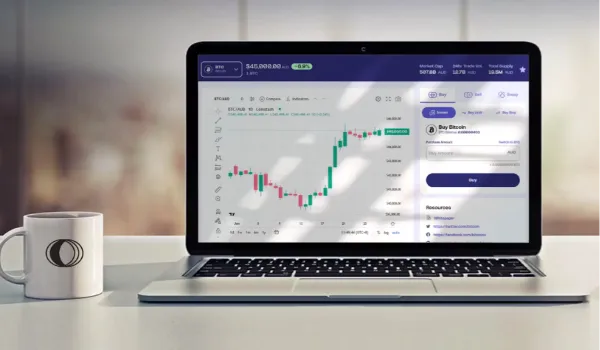
Proof matters more than guesses, so measure your setup before you trust it. Run a ping test, which shows how long a signal takes to reach your broker’s server. Lower numbers are better, and a steady number is better than one that jumps around.
Speed on paper is only half the story, so test some orders as well. Demo accounts show how fast trades fill without risking money. Compare the price you clicked with the price you got, and repeat the test during busy times such as news releases.
Weekly notes make testing easier to repeat. Write down your ping and any price gaps, and undo any change that adds delay. Over time, this habit shows you which setup works best for you.
Conclusion
Lag will never vanish fully, but you can shrink it until it stops hurting your trades. Each fix is small, yet together they give you cleaner fills and more trust in your own plan. That trust matters, because calm traders make better choices than rushed ones.
Now pick one change and try it today, even a small one. Watch how your trades behave for a few days, then build on what works. Steady progress will do more for your results than any single trick, and most of these changes cost nothing at all.